
If you run a physical or hybrid store, printing accurate, scannable barcodes is one of the most underrated parts of retail operations. That’s where Yanet Retail Barcode Labels Shopify comes in. Built specifically for merchants using Shopify POS, this app lets you design, generate, and print product labels without touching a single line of code.
In this guide, we’ll walk through what the app does, why thousands of retailers rely on it, and how you can start using it to streamline your inventory and checkout process.
What Is Yanet Retail Barcode Labels?
Yanet Retail Barcode Labels is a Shopify app built to help merchants design and print barcode labels directly from their Shopify admin. Instead of manually creating SKUs or relying on generic label templates, the app gives you a simple, three-step workflow: choose a template, select your products, and print. It’s especially popular among small and mid-sized retailers who need reliable Shopify barcode labels without hiring a developer or learning design software.
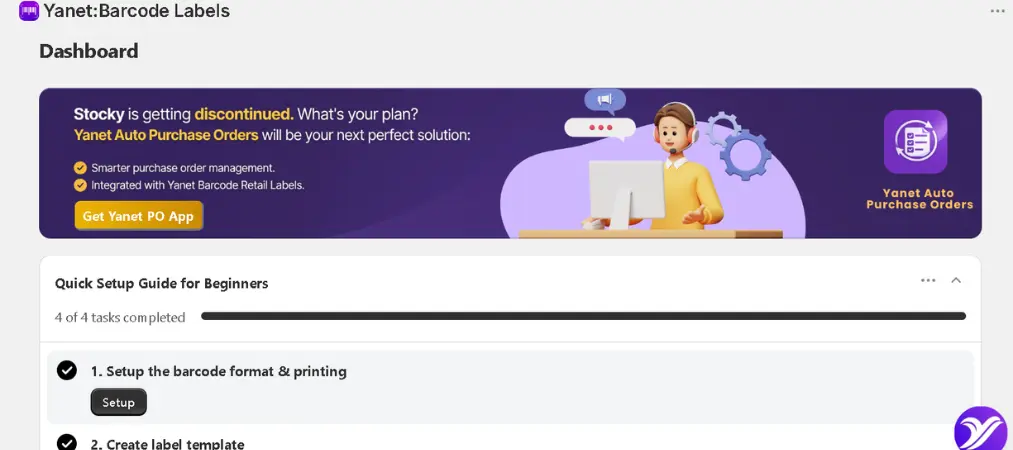
The app has built a strong reputation in the Shopify App Store, holding a 4.9-star rating from hundreds of reviews. Merchants consistently highlight two things: how easy the labeling workflow is, and how responsive the support team is when templates need customization.
Why Shopify Merchants Need Barcode Labels for Shopify
Manually pricing and tagging products doesn’t scale. As soon as a store carries more than a handful of SKUs, or starts using Shopify POS at a physical counter, accurate barcode labels for Shopify become essential. They speed up checkout, reduce human error at the register, and make stocktaking and inventory transfers far faster. For stores with multiple variants — different sizes, colors, or materials — a barcode system also prevents costly mix-ups between similar-looking products.
This is exactly the gap Yanet fills. Rather than exporting data to a third-party design tool, everything happens inside your Shopify admin, connected directly to your live product catalog.
Key Features of Yanet Retail Barcode Labels Shopify
1. Multiple Barcode formats
Yanet supports a wide range of barcode types, including UPC, EAN, and GTIN, along with QR codes. This flexibility matters if your products need to comply with retail distribution standards or if you’re selling through multiple channels that require specific code formats.
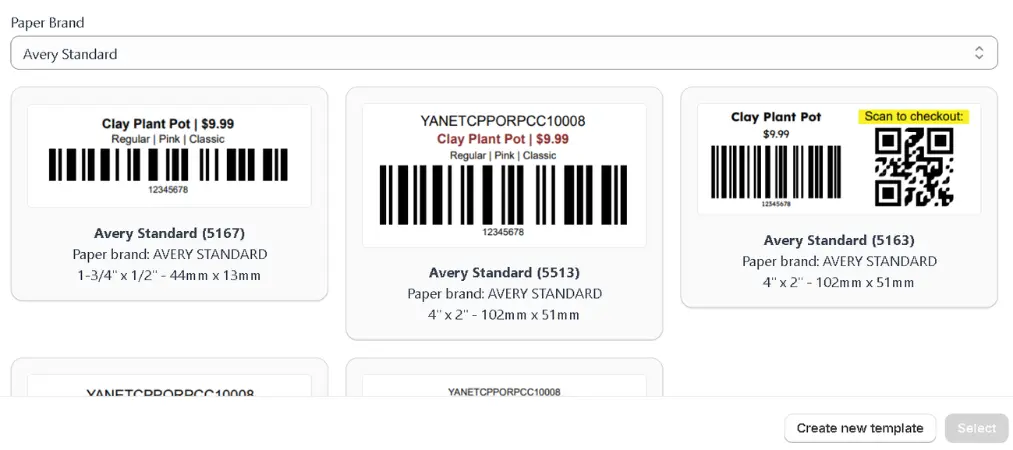
2. Simple and Advanced Label Design
The app offers two design modes. Simple Design is meant for quick, classic label layouts — ideal if you just need a barcode, price, and product name. Advanced Design gives you more creative control, letting you build custom, branded labels with different fonts, sizes, and layout elements, no coding required.
3. Smart SKU Generator
Beyond printing, the app includes a SKU generator that helps you create consistent, structured SKUs for your catalog — useful for stores that are just getting organized or migrating from another POS system.
4. Bulk Label Printing
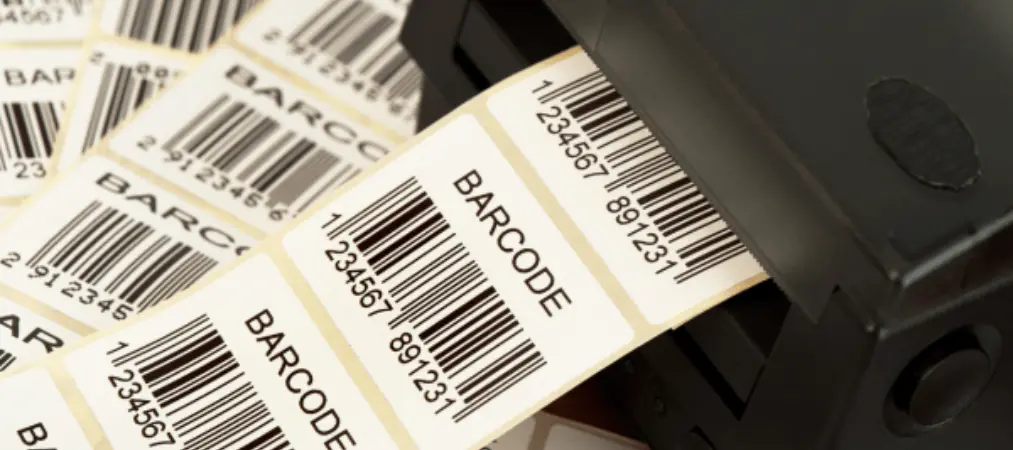
You can print labels for multiple products at once, either by multi-selecting items in your catalog or by uploading a CSV file. This is a major time-saver for stores restocking dozens or hundreds of SKUs at once.
5. Stocky Integration
For merchants using Shopify’s Stocky app for inventory and purchase order management, Yanet can generate labels directly from purchase orders, closing the loop between receiving stock and getting it shelf-ready.
6. Staff Permissions
On higher-tier plans, store owners can assign specific label-printing permissions to staff members, keeping control over who can generate or modify templates.
7. Multiple Paper Sizes and Printer Support
The app is compatible with a variety of label paper sizes and thermal or standard printers, so you’re not locked into one specific hardware setup.
How to Create Shopify Retail Barcode Labels With Yanet
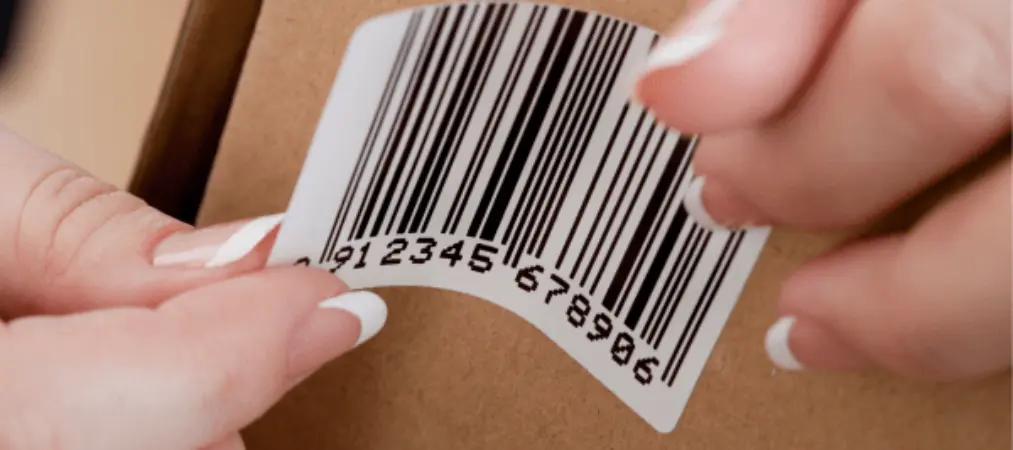
Getting started with the app follows a straightforward process:
- Install the app from the Shopify App Store and connect it to your store.
- Choose a template — either a ready-made Simple template or a fully customizable Advanced one.
- Select your products individually, in bulk, or by importing a CSV file.
- Preview and adjust the label layout, including barcode format, product details, and branding elements.
- Print using your connected printer, whether that’s a desktop label printer or a standard office printer with label sheets.
Because the workflow lives inside Shopify, your product data — names, prices, variants, SKUs — stays synced automatically, so you’re never printing outdated information.
Pricing Plans
| Plan | Price | Monthly Labels | Key Features |
|---|---|---|---|
| Free | $0 | 200 labels/month | Simple & Advanced designs, live chat and email support |
| Pro | $7.99/month (or $79.90/year, save 17%) | 2,000 labels/month | Everything in Free + GTIN generator, priority support |
| Ultimate | $29.99/month (or $299.90/year, save 17%) | 25,000 labels/month | Everything in Pro + staff permission controls |
| Unlimited | $69.99/month (or $699.90/year, save 17%) | Unlimited labels/month | Everything in Ultimate + unlimited barcode generation |
This tiered structure means a small boutique printing a couple hundred labels a month can stay on the Free plan indefinitely, while a multi-location retailer with high restock volume can scale up to Unlimited without worrying about overage costs.
Yanet vs. Generic Label Solutions
Shopify’s built-in label printing option is minimal and often too rigid for merchants with branding needs or non-standard label sizes. This is a common reason merchants switch to a dedicated app: it offers far more customization, supports more barcode formats, and integrates with POS and Stocky workflows that Shopify’s native tools don’t cover. For merchants who tried other Shopify retail barcode labels apps and found them clunky, Yanet’s combination of flexible templates and hands-on customer support is frequently mentioned as the deciding factor in reviews.
Tips for Getting the Most Out of Shopify Barcode Labels
- Standardize your SKU structure early. Use the built-in generator to keep naming conventions consistent across your catalog, especially if you have many variants.
- Test print before bulk printing. Label dimensions vary between printers, so always run a test batch to confirm alignment and scan accuracy.
- Use CSV import for large restocks. If you’re onboarding a large product catalog, bulk import saves significant time compared to manual selection.
- Reach out to support for custom templates. Many reviewers note that the support team will build or adjust templates for specific use cases, which is worth using if your branding needs are unique.
- Choose your plan based on real volume, not projected volume — you can always upgrade as your label needs grow.
What Merchants Often Ask
Which barcode formats does the app support?
Yanet supports major retail barcode formats including UPC, EAN, and GTIN, as well as QR codes — covering most compliance and POS scanning requirements for retail stores.
Can I print labels for many products at once?
Yes. You can bulk print by multi-selecting products directly in your catalog or by uploading a CSV file, which is especially useful when restocking or onboarding a large product list.
Does it work with Shopify POS and Stocky?
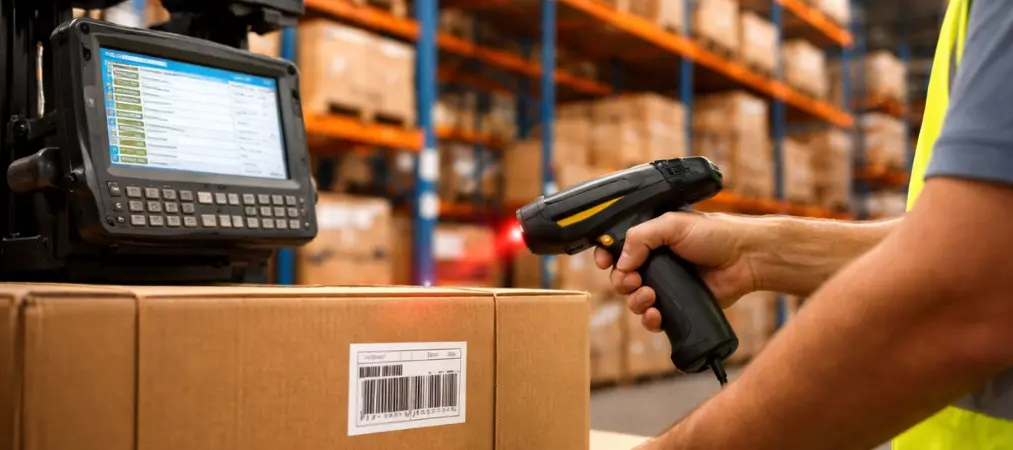
Yes. The app is built to work with Shopify POS, Shopify Flow, Shopify Admin, and Stocky, so you can generate labels directly from purchase orders and keep your in-store scanning workflow connected to your inventory data.
Do label templates update automatically with my product data?
Yes. Because the app is connected directly to your Shopify catalog, prices, SKUs, and variant details stay in sync, so you won’t print outdated information.
Wrap Up
A clean, scannable barcode system isn’t just a back-office detail — Yanet Retail Barcode Labels Shopify directly affects how fast your checkout line moves and how accurate your inventory counts are. Whether you’re setting up Shopify POS for the first time or replacing a clunky labeling process, having the right tool makes the difference between a smooth operation and constant manual fixes.
For merchants looking for a flexible, well-supported way to handle Shopify barcode labels and Shopify retail barcode labels end to end, Yanet remains one of the most consistently recommended solutions on the Shopify App Store — and it’s just one part of Yanet’s full suite of retail and operations apps worth exploring.