
Every product on your shelf needs a label that scans on the first try. A reliable Shopify barcode printer turns labeling into a thirty-second routine, whether you are tagging jewelry, marking apparel SKUs, or sending parcels out the door.
No single machine fits every store, though. The best barcode printer for Shopify merchants who ship hundreds of orders a day differs from the one a pop-up shop needs. This guide compares eight popular models, explains what to look for, and shows how to pair any barcode printer Shopify stores already own with label design software.
How We Shortlisted These Barcode Printers
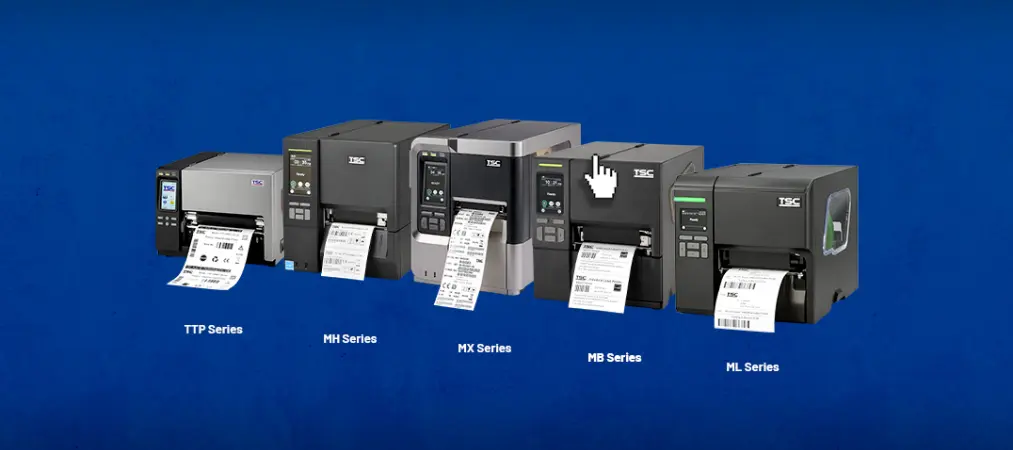
We started with printer families that merchants and reviewers mention again and again, then checked each one against manufacturer specifications. Four questions shaped the list. Is setup easy? Are supplies affordable over time? Can it handle the label sizes a Shopify store uses? Does it connect smoothly to a computer or phone? Every model below works as a Shopify barcode label printer, but each shines in a different situation.
Quick Comparison Table
| Printer | Best for | Type | DPI | Connectivity | Power |
|---|---|---|---|---|---|
| Rollo X1038 / X1040 | Shipping + barcode labels | Direct thermal | 203 | USB; Wi-Fi and AirPrint on X1040 | AC |
| Brother QL-1110NWB | Shared packing stations | Direct thermal | 300 | USB, Wi-Fi, Ethernet, Bluetooth | AC |
| Zebra ZSB series | Cloud design, cartridge labels | Direct thermal | 300 | Wi-Fi (Bluetooth for setup) | Adapter |
| Jadens 468BT | Budget 4×6 inch labels | Direct thermal | 203 | Bluetooth, USB | AC |
| Epson LabelWorks LW-PX800 | Durable industrial labels | Thermal transfer | 360 | USB, Wi-Fi, Ethernet | AC |
| DYMO LabelWriter 5XL | Wide shipping labels | Direct thermal | 300 | USB, Ethernet | AC |
| Brother P-touch CUBE PT-P300BT | Portable shelf and bin labels | Thermal transfer | 180 | Bluetooth | Batteries or AC |
| Phomemo M110 | Price tags, small barcodes | Direct thermal | 203 | Bluetooth, USB | Rechargeable |
8 Best Barcode Printers for Shopify Stores
1. Rollo X1038 and X1040
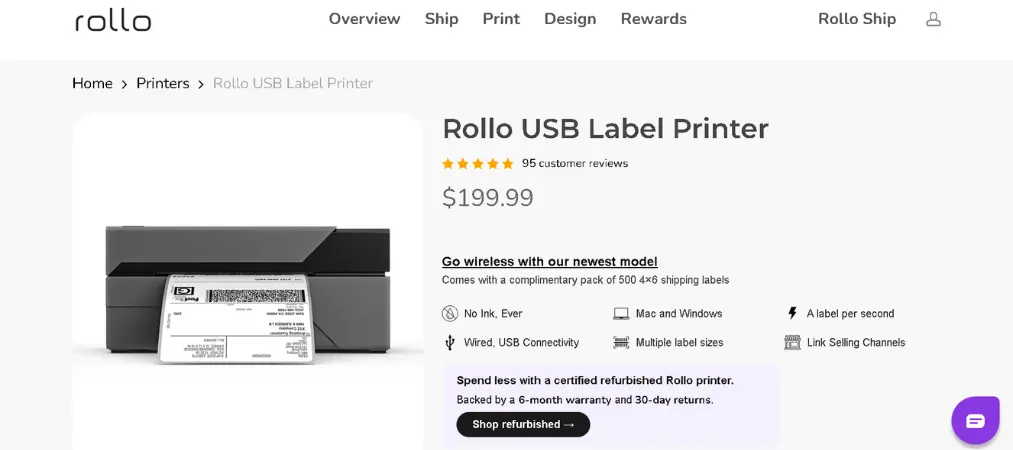
Rollo suits stores that print 4×6 inch shipping labels and smaller barcode stickers on one machine. The X1038 connects by USB to a Windows or Mac computer, while the X1040 adds Wi-Fi and AirPrint for phones and tablets.
Pros
- Accepts most third-party direct thermal labels
- Detects label size automatically
- Prints shipping, barcode, and QR code labels
Cons
- AC power only, so it stays at a desk
- X1038 needs a computer
- X1040 costs more than the USB model
2. Brother QL-1110NWB
This is a strong choice when several teammates share one printing station. Its 300 dpi output keeps small barcodes crisp, and P-touch Editor can pull data from Office files.
Pros
- Four connection methods, including Ethernet
- Automatic cutter for die-cut and continuous rolls
- Sharp 300 dpi output
Cons
- Brother recommends genuine rolls only
- Automatic crop works only in the Windows editor
- Fixed workstation use
3. Zebra ZSB Series
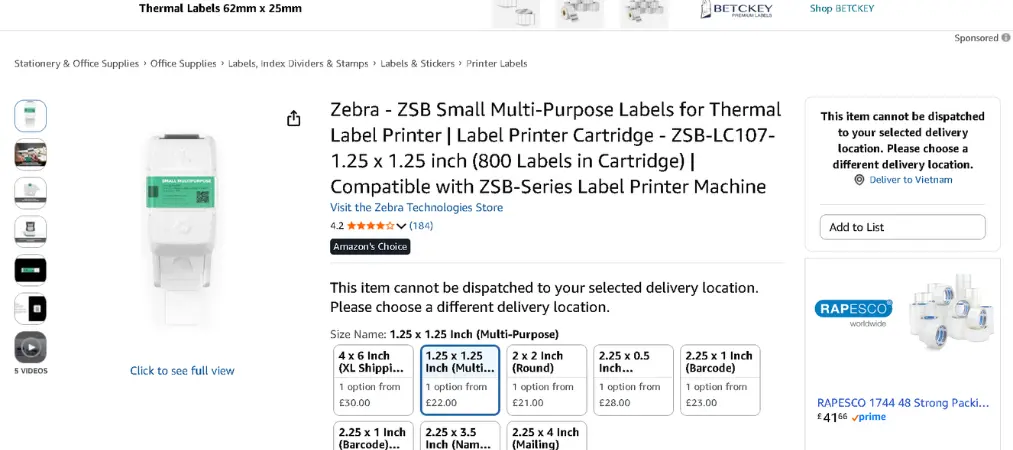
Zebra’s ZSB printers use drop-in label cartridges and a browser-based design tool, which keeps setup friendly for non-technical staff.
Pros
- Browser-based label designer
- Cartridges are identified and tracked automatically
- Recyclable cartridges
Cons
- Requires authenticated Zebra cartridges
- Printing depends on Wi-Fi and Zebra’s cloud
- Higher cost per label than open-stock printers
4. Jadens 468BT
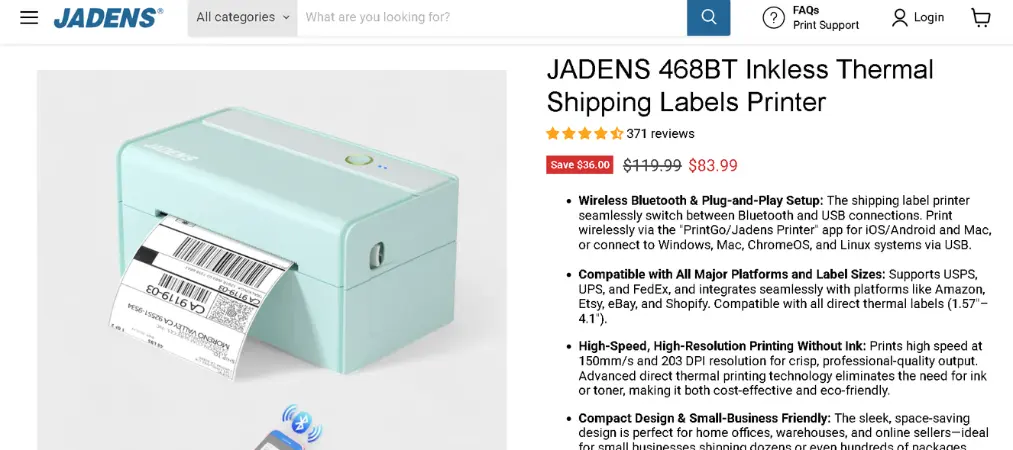
Jadens is the budget pick for merchants who mainly need 4×6 inch labels. It prints over Bluetooth through an app or from a computer over USB, making it a sensible starter machine for a growing store.
Pros
- Low price
- Accepts roll and fanfold labels from several brands
- Automatic label identification
Cons
- Mobile printing needs the Jadens app
- Mac desktop printing requires USB
- Label durability depends on the stock you buy
5. Epson LabelWorks LW-PX800
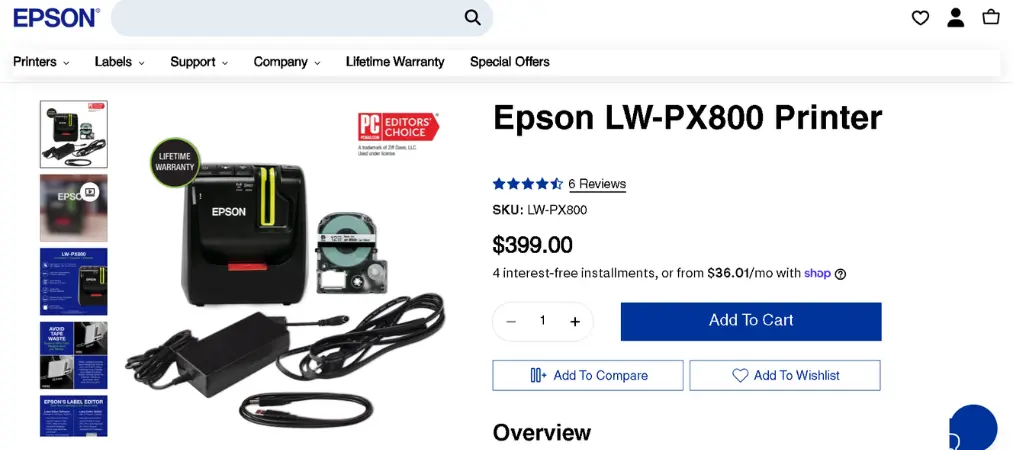
This printer targets labels that must survive tough conditions, such as cable tags, equipment markers, and warehouse shelving. It uses thermal transfer cartridges with tape up to 36 millimeters wide.
Pros
- 360 dpi output for tiny text and barcodes
- Wide range of industrial tapes
- Automatic cutter
Cons
- Cannot print 4×6 inch shipping labels
- Slow maximum print speed
- Needs tape and ribbon cartridges
6. DYMO LabelWriter 5XL
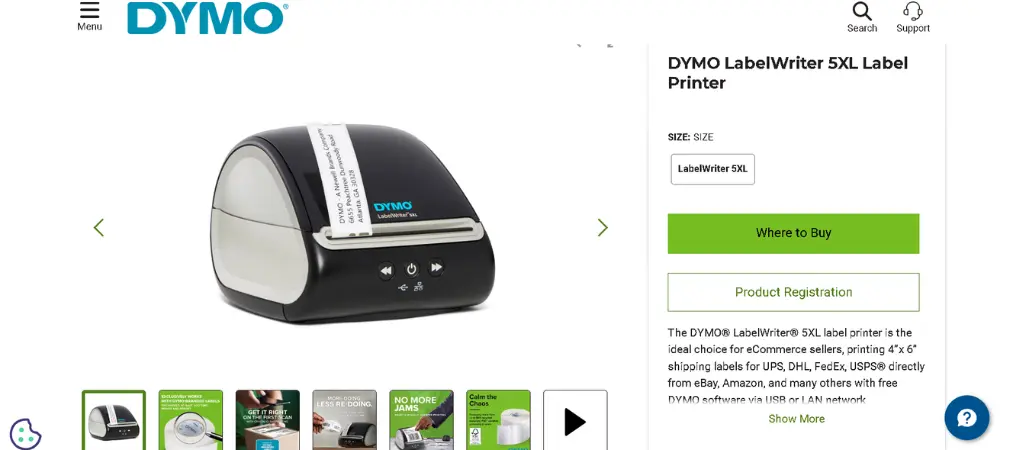
Built around wide shipping labels, the 5XL recognizes the loaded roll automatically, including how many labels remain. USB and Ethernet make it easy to share across a small office.
Pros
- Automatic roll recognition
- USB and Ethernet access
- No ink or toner to buy
Cons
- Expects DYMO-branded rolls
- No Wi-Fi or Bluetooth
- AC power only
7. Brother P-touch CUBE PT-P300BT
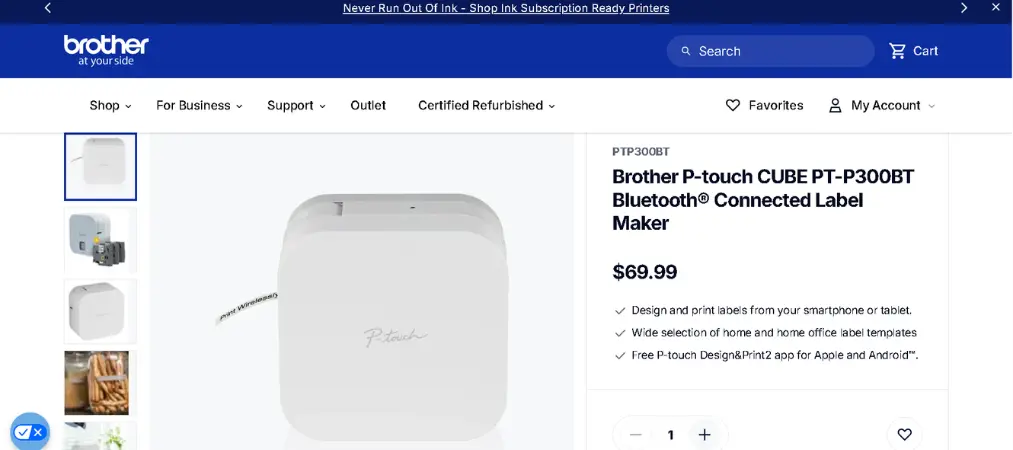
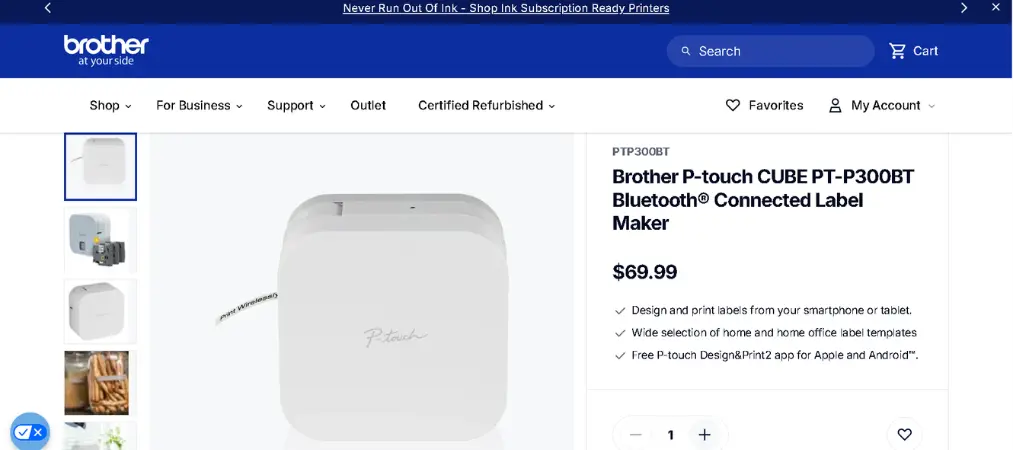
Need to label bins, shelves, and stockroom items while walking around? This compact Bluetooth printer designs labels from a phone and runs on batteries.
Pros
- Battery or AC adapter power
- Lightweight and portable
- Laminated tape resists water and fading
Cons
- Narrow tape width
- Manual cutter slows every job
- Poor fit for shipping or large batches
8. Phomemo M110
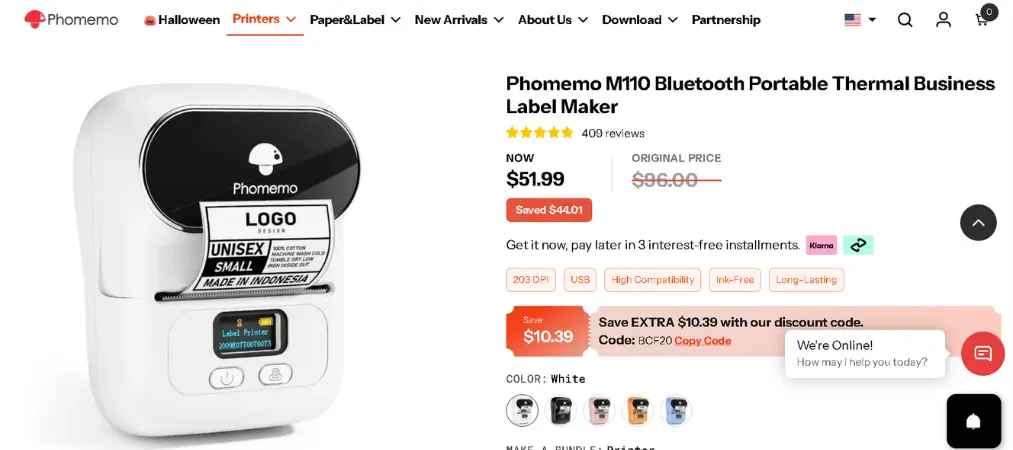
A pocket-sized printer with a rechargeable battery, ideal for price tags, small barcodes, and boutique products. It connects by Bluetooth or USB.
Pros
- Rechargeable battery
- Very light and compact
- Prints from phone or computer
Cons
- Labels too narrow for 4×6 inch shipping
- Mobile printing needs the Print Master app
- Best for short runs only
How to Choose the Right Barcode Printer for Shopify
Direct Thermal vs. Thermal Transfer
Direct thermal printers heat special paper, so you only buy labels. They suit shipping labels and products that sell within weeks. Thermal transfer printers melt a ribbon onto the label, which lasts longer against heat, sunlight, and rubbing. Choose transfer for items that sit in storage or travel outdoors.
Resolution and Scannability
A 203 dpi printer handles shipping labels and larger codes well. For tiny barcodes, QR codes, and detailed product labels, 300 dpi or higher gives sharper lines. Placement matters too, so follow GS1 US guidance on placing barcodes, and always scan a test sheet with the scanners your store uses.
Volume and Speed
Stores printing a few dozen labels a day can use almost any desktop model. If you print several hundred, look for faster speeds and reliable feeding, because reloading and misaligned labels waste more time than a slow print head.
Connectivity and Software
USB ties the printer to one computer. Wi-Fi and Ethernet suit shared spaces, while Bluetooth suits mobile work but often needs a companion app. Check that the printer uses a standard driver, since it is easier to combine with label design software built for Shopify.
Label Size and Supply Costs
The cheapest printer on day one is not always the cheapest after a year. Compare label sizes, price per label, and whether the printer accepts generic rolls. Open-stock printers usually cost less to run, while cartridge systems trade flexibility for convenience.
How a Barcode Printer Fits Into Your Shopify Workflow
Printing Shipping Labels
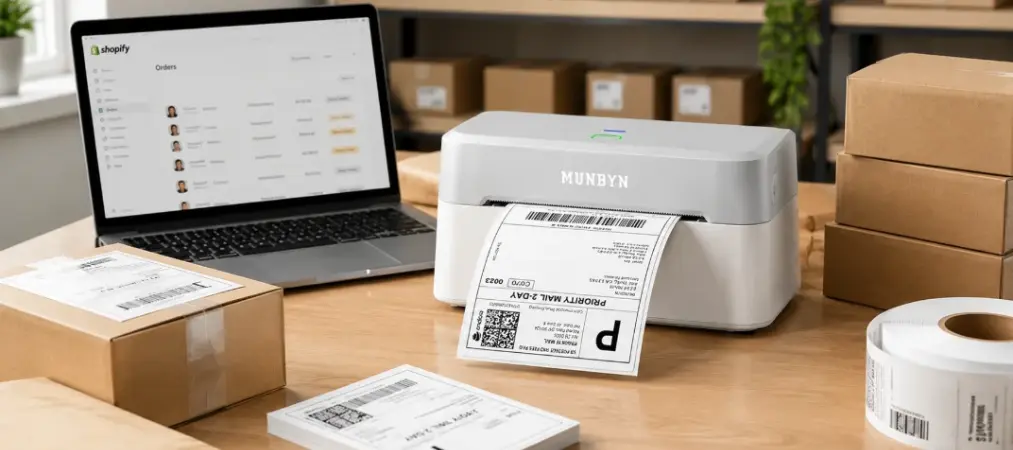
Shopify lets you buy carrier labels from the admin and print them on 4×6 inch thermal stock. Open an order, create the label, and choose the thermal paper size when you print. Stores with many orders can also buy labels in bulk from the Orders page. For this job, a desktop thermal printer such as the Rollo, Jadens, or DYMO is the natural choice.
Printing Product Barcode Labels with Yanet Barcode Labels
Shipping labels are only half the story. Product barcodes need design, sizing, and clean data, and this is where Yanet Barcode Labels earns its place next to your barcode printer Shopify setup.
Yanet lets you design a label template without coding, using a simple editor for quick classic layouts or an advanced editor for branded designs. It supports popular formats such as UPC, GTIN, and QR codes, and includes a SKU generator for products without codes. You can print labels in bulk by multi-selecting products or importing a CSV file, and set custom label sizes to match the roll in your Shopify barcode label printer.
The app is free to install with 200 labels per month, and paid plans raise the allowance, add a GTIN generator, and unlock staff permissions. It carries the Built for Shopify badge and a 4.9 rating from 457 reviews at the time of writing, and merchants often praise its live chat support. Pricing and review counts can change, so check the listing before deciding.
Barcode Printer for Shopify: Frequently Asked Questions
What is the best barcode printer for Shopify?
It depends on the job. For shipping, a 4×6 inch desktop thermal printer is the usual answer. For product barcodes and price tags, a compact printer with 300 dpi output and adjustable label widths works best. Decide on label size and daily volume first, then compare models.
Do I need a special printer to print Shopify barcode labels?
No. Any thermal printer that supports your label size can work. Make sure your label software can match the printer’s paper size and resolution, and test one sheet before buying a large batch of labels.
Is a thermal printer better than a regular office printer?
For barcodes and shipping labels, yes. Thermal printers need no ink or toner, print quickly, and produce labels ready to stick on packages and products.
Can one printer handle both shipping and product labels?
Often, yes. Printers that accept a range of label widths, like the Rollo and Jadens models, can switch between parcel labels and smaller barcode stickers. For very small or extra-durable labels, a second compact or thermal transfer printer may be worth it.
In Summary
Choosing a Shopify barcode printer comes down to three things: the label sizes you print, how many you print each day, and how your team connects to the printer. Shipping-focused stores will be happy with a 4×6 inch desktop model, while retail and boutique sellers often prefer a compact printer with sharper resolution. Start with your real workload, test a sample label, and let supply costs guide the final decision.
Whichever printer you pick, explore the full range of apps from Yanet, including Yanet Barcode Labels, to design, generate, and print every barcode label your Shopify store needs.