
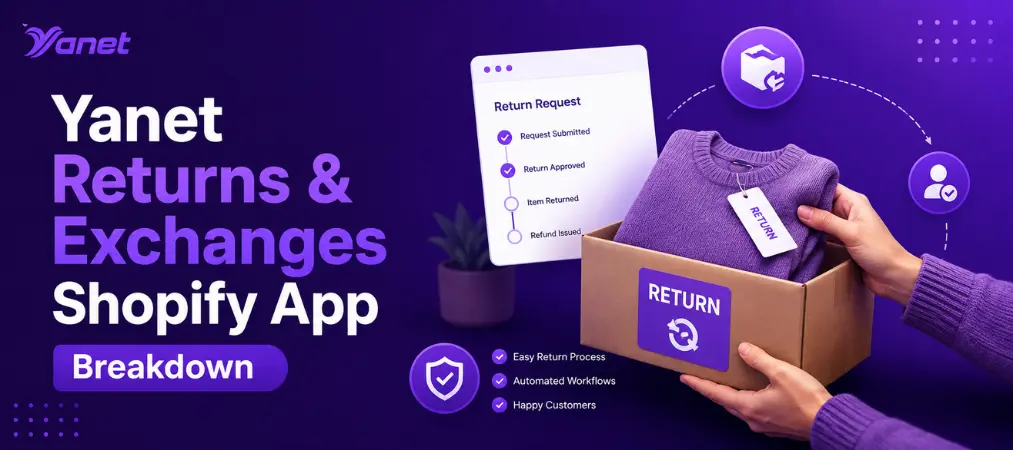
Handling product returns is one of those unglamorous jobs that quietly determines whether shoppers come back. A messy return process frustrates buyers, buries your support inbox in emails, and drains hours you could spend growing the business. That’s exactly the gap the Yanet Returns & Exchanges Shopify app was built to close, giving merchants a structured way to manage every request from the moment a customer clicks “start a return” to the moment a refund lands in their account.
This article breaks down what the app actually does, who it’s built for, and how it compares to handling Shopify returns and exchanges manually.
Why Shopify Returns and Exchanges Deserve Their Own System
Shopify’s native admin lets you issue a refund, but it doesn’t give customers a self-serve way to request one, nor does it let you set rules around what’s returnable, how long a return window lasts, or what happens after an item ships back. Store owners end up stitching together email threads, spreadsheets, and manual label creation — a process that scales badly the moment order volume grows.
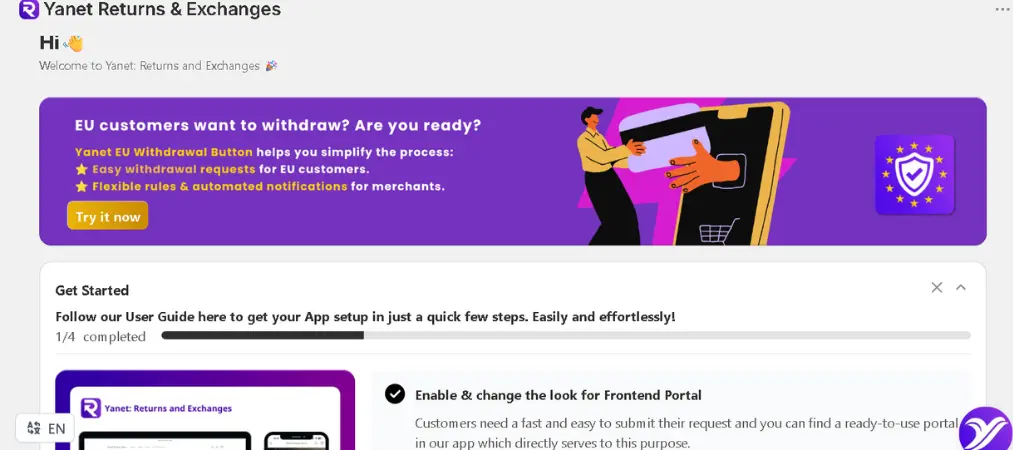
A dedicated Shopify returns app closes that gap by giving both sides of the transaction a clear workflow: customers get a portal where they can check eligibility and submit a request, and merchants get a dashboard where every request moves through defined stages instead of living in an inbox.
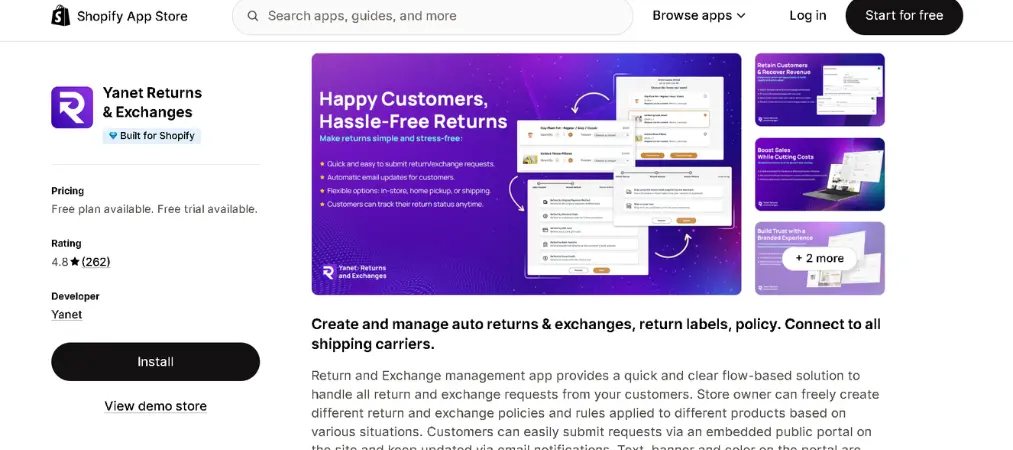
What the Yanet Returns & Exchanges Shopify App Actually Does
Yanet Returns & Exchanges positions itself as a flow-based return and exchange management system rather than a simple refund button. A few things stand out about how it’s structured:
A branded, embedded return portal. Customers submit requests directly from your storefront instead of emailing support. The portal’s text, banners, and colors can be adjusted to match your store’s look, so it doesn’t feel like a third-party tool bolted onto your brand.
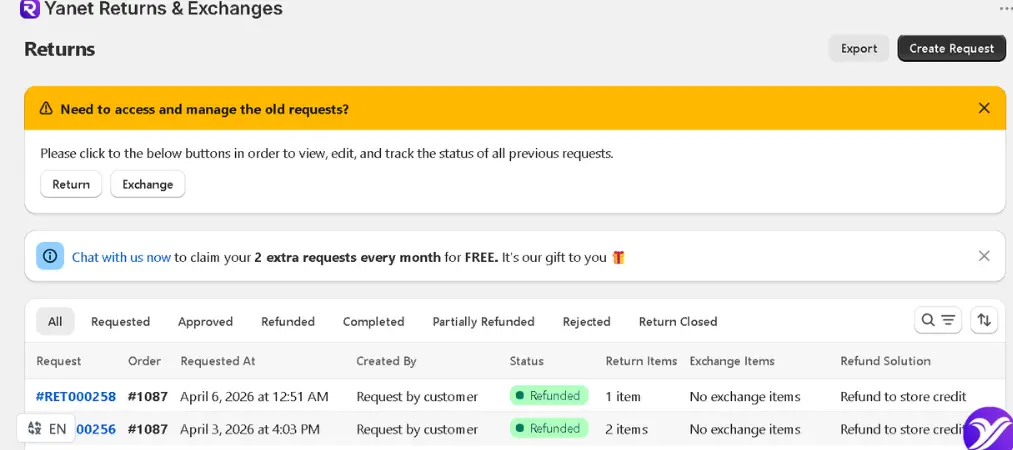
Rule-based policies per product. Not every product should be treated the same way when it comes to returns — final-sale items, seasonal goods, or high-value products often need different rules. The app lets store owners build separate return and exchange policies and apply them to specific products or categories, rather than forcing one blanket policy across the whole catalog.
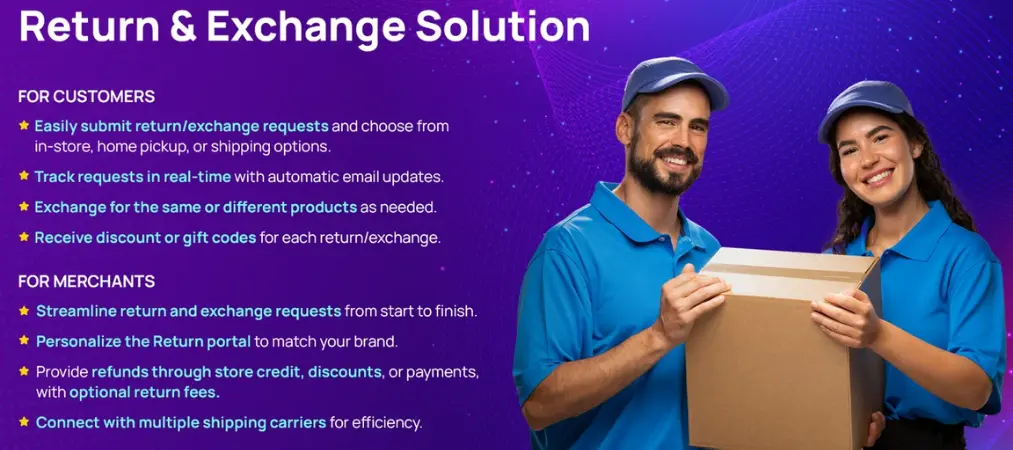
Multiple resolution paths. Depending on the situation, a request can end in a refund, an exchange for the same product in a different variant, store credit, a discount code, or a gift card. On paid plans, customers can even exchange into a completely different product rather than just a different size or color of the same item.
Automated status updates. Every step of a request — submitted, approved, shipped, received, refunded — triggers an email notification, so customers aren’t left guessing and your support team doesn’t have to manually chase updates.
Shipping carrier integration. The app connects with carriers such as FedEx, Shippo, and EasyPost, which means return labels can be generated and tracked without leaving the workflow.
Multi-language support. With support for more than a dozen languages, including Vietnamese, Spanish, German, and Japanese, the app suits stores selling across different regions without needing separate return processes per market.
Yanet Returns & Exchanges vs. Handling Returns Manually
Consider a mid-sized apparel store processing 150 orders a week. Without a dedicated system, a return means a customer emails support, an agent manually checks the order, issues a refund or asks the customer to ship the item back, and someone remembers to update inventory once it arrives. Multiply that by dozens of requests a week and you have a process that’s slow, inconsistent, and easy to get wrong.
With a Shopify exchange app like Yanet in place, that same request follows a fixed path: the customer opens the portal, sees which items are eligible based on your rules, chooses refund or exchange, and receives a label if shipping is required. The store owner reviews and approves from a dashboard instead of digging through email, and stock levels update automatically once the return is processed. The result isn’t just faster processing — it’s fewer errors and a support team that’s freed up for actual customer service instead of return bookkeeping.
Pricing and Plan Breakdown
Yanet offers a tiered structure that scales with request volume:
| Plan | Price | Requests | Key Features |
|---|---|---|---|
| Free | $0/month | Limited monthly requests | Customizable return portal, rule-based policies, refund reasons, exchange for same product/variant, multi-language support, email notifications, carrier support |
| Professional | $9.99/month (14-day free trial) | Higher allowance, small fee per extra request | All Free features + exchange to a different product/variant, packing slip support, gift card refunds, configurable return/exchange fees and rewards |
| Ultimate | $29.99/month (14-day free trial) | Unlimited requests | All Professional features + automated approval workflow, priority support |
A free trial is available on the paid tiers, so stores can test whether the extra features justify the upgrade before committing.
Who Should Use This App
A Shopify returns and exchanges tool like this tends to make the biggest difference for stores that:
- Process a meaningful volume of return requests each month and are tired of manual email handling
- Sell products where policies genuinely need to differ (e.g., apparel vs. electronics vs. final-sale items)
- Want customers to self-serve rather than wait on a support reply to even start a return
- Sell internationally and need the return experience translated into the shopper’s language
- Want return-related data (reasons, request volume, resolution type) centralized instead of scattered across email
Smaller stores with only a handful of returns per month may get by on Shopify’s built-in tools longer, but as volume grows, the manual approach tends to break down quickly.
Getting Started
Setup generally follows a predictable sequence:
- Install the app from the Shopify App Store and connect it to your store.
- Define your return and exchange policy — return windows, non-returnable items, and reasons customers can select.
- Apply different rules to specific products or collections if your catalog needs it.
- Customize the return portal’s branding so it matches your storefront.
- Connect a shipping carrier if you plan to generate return labels through the app.
- Test the full flow yourself as a customer would experience it before going live.
Taking the time to configure policies properly upfront saves a lot of manual correction later, especially once request volume picks up.
Setting Realistic Expectations
No app is flawless, and it’s worth going in with clear eyes. Some merchant feedback points to occasional gaps around automated instruction emails needing a manual resend, so it’s worth testing the full request flow — submission through label generation — before relying on it fully for a high season. On the other hand, several reviewers highlight responsive support as a strong point, which matters a lot when a returns tool touches customer-facing communication directly.
Final Thoughts
A clear, well-branded return process isn’t just about resolving problems — it’s a trust signal that can influence whether a hesitant shopper completes a purchase in the first place. Tools built specifically for Shopify returns and exchanges take a manual, error-prone process and turn it into something predictable for both the merchant and the customer.
If you’re evaluating options in this space, it’s worth exploring what Yanet has built across its suite of apps to see whether their approach fits how your store operates.